Your Ultimate Tool for Collaborative Success: The Group Project Planner Canva Template
Coordinating a group project, whether for academic coursework, a professional initiative, or a community endeavor, is notoriously challenging. The excitement of a shared goal quickly meets the realities of mismatched schedules, unclear responsibilities, and fragmented communication. Without a centralized system, ideas scatter, deadlines blur, and team morale can plummet. Success hinges not just on a great idea, but on a great process. This is where a structured, adaptable planning tool becomes indispensable. The Group Project Planner Canva Template is designed specifically to transform that chaotic process into a clear, actionable roadmap for any team.
Understanding the Core Challenge of Group Work
Effective collaboration requires more than a shared Google Doc or a series of text messages. The fundamental challenges are organizational and psychological. Teams need a single reference point that defines the project's scope, divides the workload fairly, tracks progress transparently, and holds all crucial information—from meeting notes to resource lists. Without this, members experience uncertainty, leading to duplicated efforts, missed tasks, and conflict. The goal for any team leader or participant is to create alignment: ensuring everyone moves in the same direction with the same information at the same time. This alignment builds trust, accountability, and ultimately, a higher quality final product.
How the Template Creates Structure and Clarity
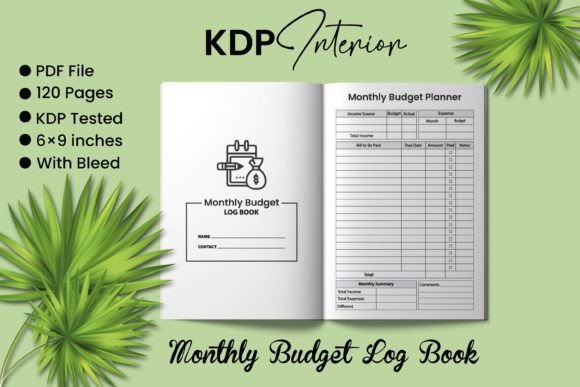
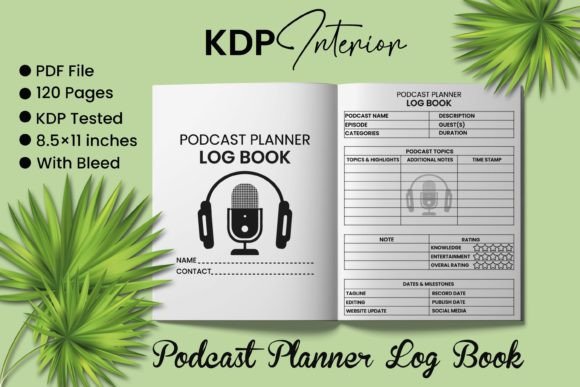
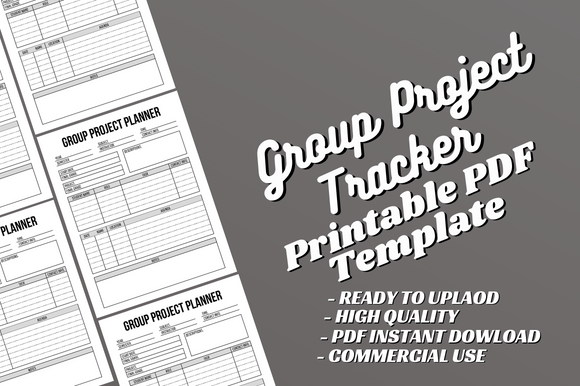
The Group Project Planner Canva Template addresses these core needs by providing a comprehensive, 120-page framework. It is not a rigid set of rules, but a flexible skeleton you and your team can customize to fit your exact project. Think of it as the shared workspace you’ve always needed. It begins with foundational sections like project overview and goal setting, forcing the team to articulate a unified vision from the start. Subsequent pages provide dedicated areas for task breakdowns, assigning responsibilities alongside deadlines. This visual delegation eliminates the "I thought you were doing that" syndrome. Furthermore, it includes consistent spaces for meeting agendas, minutes, and progress tracking, ensuring that every discussion is documented and every milestone is visible to all.
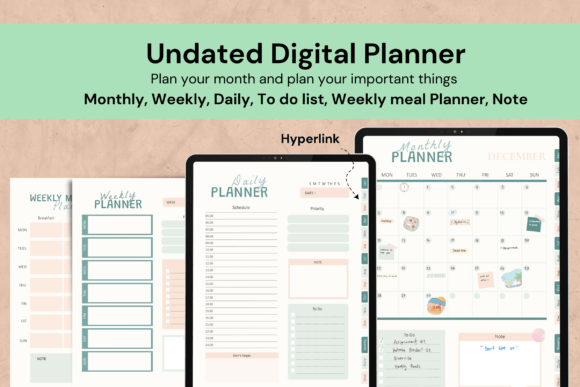
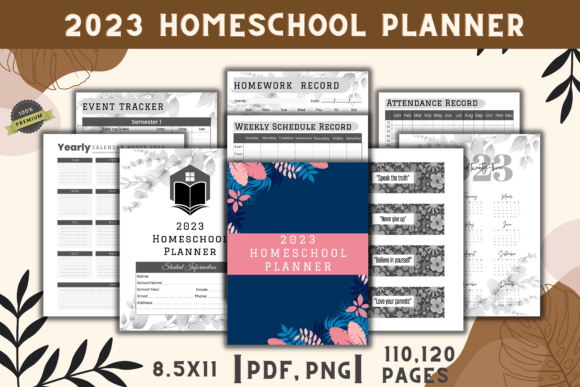
The true power of this template lies in its dual format. You receive a complete PDF file, ready to print and use instantly for teams that prefer physical planners. More importantly, you get fully editable Canva source files. This means every element—text, fonts, layout, sections—can be modified. If your project needs a specialized section for budget tracking or prototype sketches, you can add it seamlessly. This adaptability makes the Group Project Planner Canva Template suitable for a university student group, a corporate cross-departmental team, or a nonprofit volunteer project, as each can tailor it to their unique requirements.
Practical Applications and Outcomes for Diverse Teams
Let’s explore how different users might implement this tool to achieve concrete outcomes.
For Academic Student Groups
Students often juggle multiple classes and personal commitments. A semester-long research project can easily derail. Using the Group Project Planner Canva Template, a student team can start by filling out the project charter together, agreeing on research objectives and final presentation standards. They can then use the task assignment pages to divide literature review, experiment conduction, and draft writing based on individual strengths and schedules. The integrated meeting planner ensures their weekly check-ins are productive, with agendas set and minutes recorded. The outcome is a smoother process, less last-minute panic, and a cohesive final paper or presentation that truly reflects collective effort.
For Professional and Freelance Teams
In a professional setting, clarity equals efficiency. A team developing a new marketing campaign can customize the template to include client feedback loops, asset creation timelines, and launch phase gates. The editable Canva interior allows them to incorporate brand colors and fonts, making the planner a professional document in itself. By maintaining a live, updated planner (either digital or printed), the project manager has a single source for status reports, and every team member understands their daily priorities. The outcome is reduced managerial overhead, fewer status meetings, and a demonstrable record of the project’s lifecycle for client review or post-project analysis.
For Community and Volunteer Organizations
Organizing a community event involves coordinating volunteers, vendors, and timelines. The Group Project Planner Canva Template can be adapted to track volunteer assignments, vendor contact logs, permit application deadlines, and day-of-event schedules. The high-quality, print-ready PDF is perfect for distributing physical copies to key volunteers who may not be digitally focused. The outcome is a more inclusive, transparent planning process where every volunteer feels informed and accountable, leading to a successfully executed event with fewer logistical oversights.
Key Recommendations for Implementation
To maximize the benefit of the Group Project Planner Canva Template, consider these actionable recommendations.
- Customize Early: Don’t use the template as-is. At your team’s kickoff meeting, open the Canva file together and decide which sections are most critical. Add or remove pages to match your project’s phases. This initial customization invests the team in the tool.
- Assign a Planner Custodian: Designate one person (not necessarily the leader) to be responsible for updating the master planner after each meeting or milestone. This ensures consistency.
- Choose Your Medium: Decide if your team will use the printable PDF physically, share digital PDF updates, or work directly within Canva. Align this choice with your team’s work habits.
- Integrate with Communication: Use the planner as your authoritative source. Reference specific page numbers or tasks in your team chat or emails. This builds the habit of consulting the planner first.
- Review and Iterate: Schedule a brief mid-project review to assess if the planner’s structure is still serving you. The editable format allows you to adjust if new needs have emerged.
The Advantage of an Editable, Ready-to-Use System
Many teams cobble together planners from various notes and apps, leading to fragmentation. The Group Project Planner Canva Template offers a unified system. The specification—8.5x11 inches, no bleed, high-quality print-ready—means it functions perfectly as a physical binder or a digital document. The instant download provides immediate value. Remember, this is an interior template; you create or supply your own cover for KDP publishing, giving you full brand control. The “KDP tested” note confirms its suitability for Amazon’s platform, but its utility extends far beyond publishing. It is a project management tool for anyone who collaborates.
Ultimately, investing in a structured planner like the Group Project Planner Canva Template is an investment in team harmony and project success. It replaces ambiguity with transparency, replaces confusion with responsibility, and replaces stress with a shared sense of control. By providing both a ready-to-go framework and the freedom to make it your own, it empowers any group, of any composition, to not only manage their work but to excel at it. The tool doesn’t do the work for you, but it ensures that your collective effort is directed, efficient, and aligned—from the first brainstorming session to the final deliverable.